Tasks and Functions
Tasks
Tasks in RZBneo+ provide a flexible way to record the qualifications and competencies of employees individually or in the form of summarised requirements. For example, individual tasks such as carrying out brake tests can be mapped as a task and linked to a function. The tasks stored in the system can be added, edited, and removed via the Administration -> Tasks menu item. Use the button 

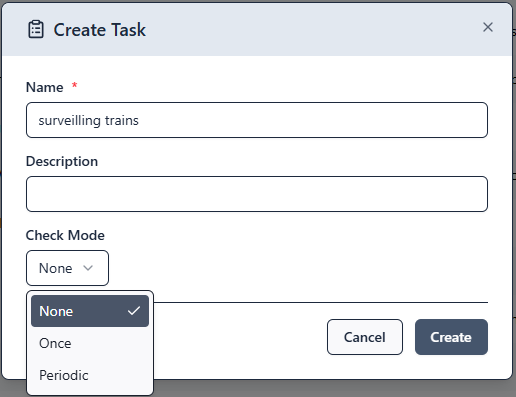
In the input form, you define the name and description of the task. The review mode determines whether the task requires a review. The following options are available:
- none An initial review and regular audit is not required.
- once A one-time review to confirm the acquisition of the skill necessary to perform the task is required.
- periodic An acquisition and regular audit of the skill required to fulfil the task is necessary.
Functions
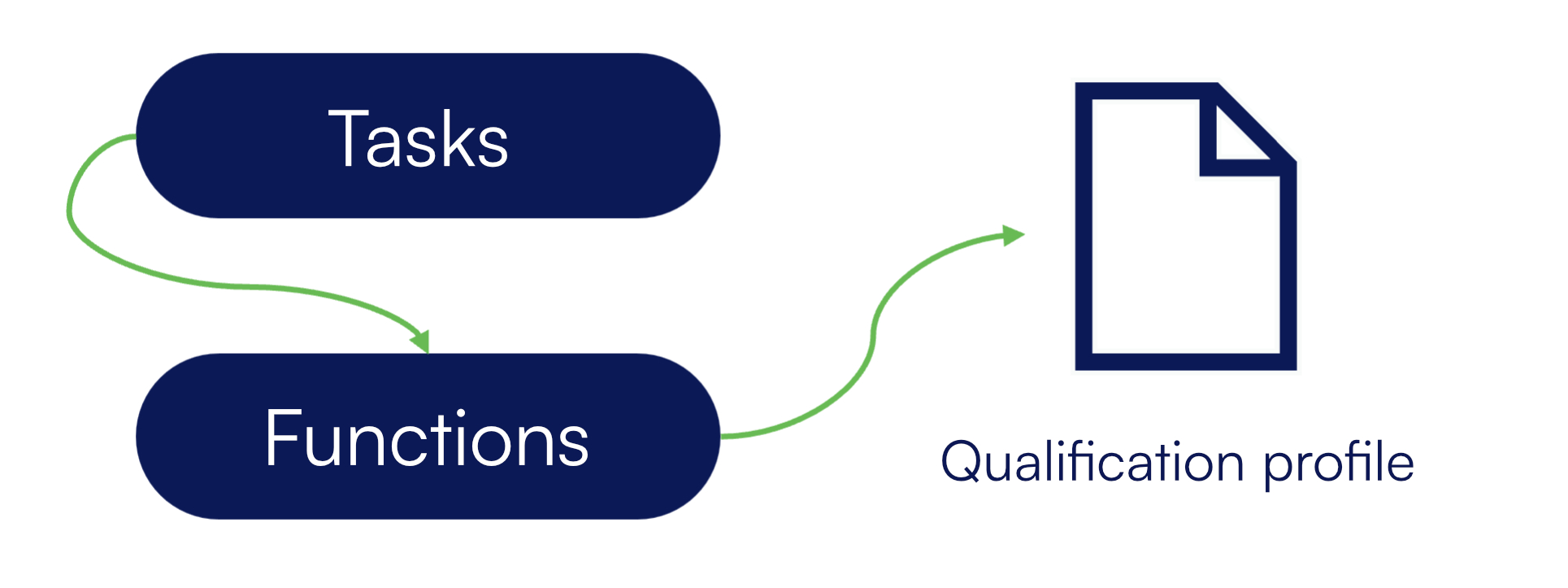
Functions represent a summary of tasks and thus form a competency or qualification profile. They can be added, adjusted, and removed via the Administration -> Functions menu item. Use the button 

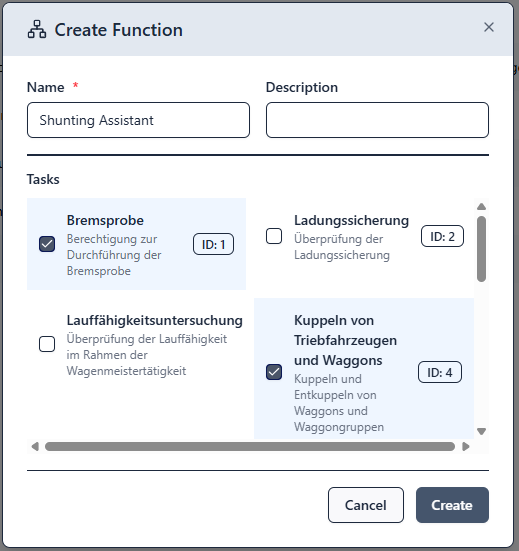
Once you have defined functions, you can assign them to your employees.
Usage options
Option 1: Using functions only
Defining tasks is not a prerequisite for creating functions. You can also create functions directly and assign them to your employees without tasks having been assigned to the functions. This allows you to create a structure of qualifications and functions for your employees in the company with minimal effort.
Date entries for the acquisition date, the last and next audit can also be defined at function level and monitored with regard to deadlines in the employee compliance view. This allows you to see whether a review (training, monitoring, etc.) is upcoming for a function assigned to the employee.
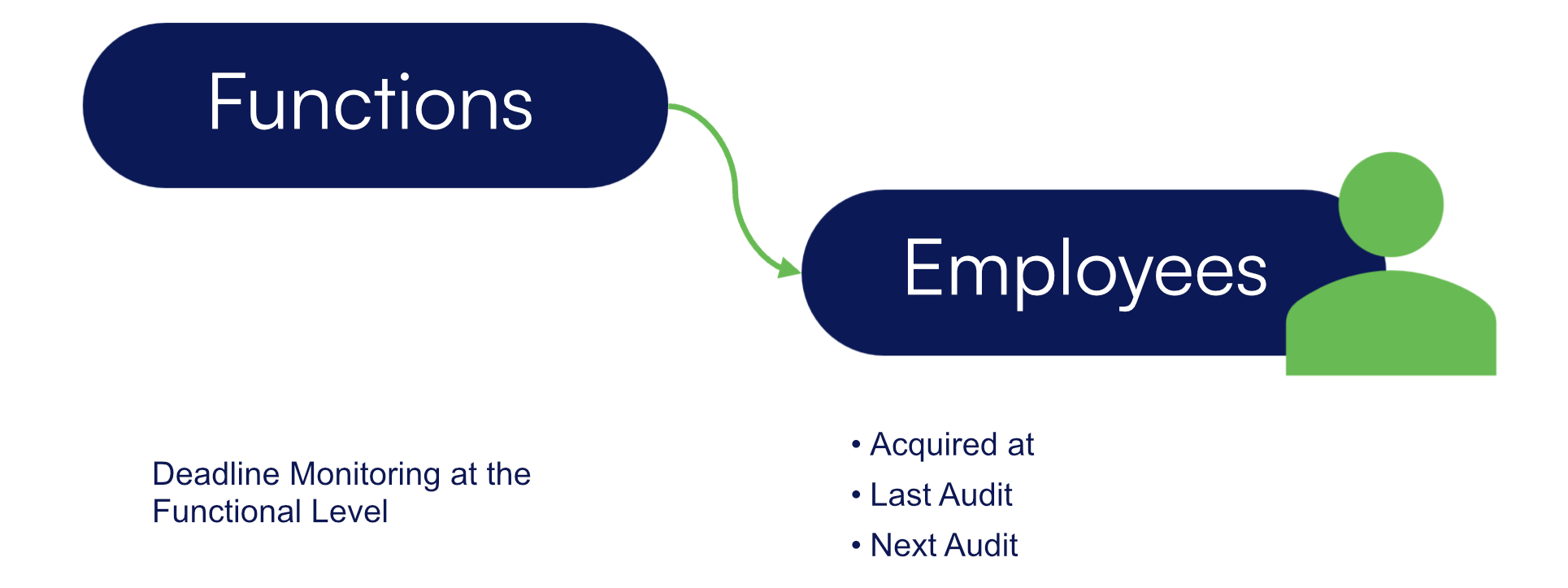
Option 2: Combining tasks and functions
Do you want to achieve more in-depth management of qualifications and monitor them at task level? In this case, it makes sense to define tasks and then assign them to one or more functions. The assigned tasks then result in an overall qualification profile for the function. The advantage of this is that you can record individually for each task whether a separate qualification is necessary for the employee to be able to perform that task. This is mapped via the Check mode field of the task.