
Custom Deadlines
Adding company specific custom deadlines
In the Custom Deadline table, company-specific monitoring items can be defined. To do this, simply create a new entry using the Add entry button, which defines the designation of the individual deadline.
The defined monitoring items appear in the train driver's base data. There, a date value for the last and the next monitoring can be entered. The deadline is freely selectable.
Train drivers for whom the necessary date entries have been made for a selection of deadlines will appear in the deadline overview. If no date value is entered in one of the defined fields, no monitoring takes place and no entry is made in the deadline overview.
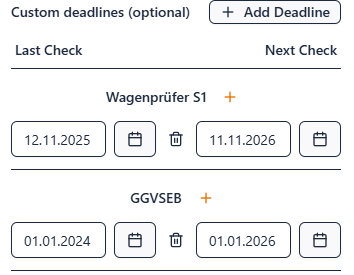
Example display of a custom deadline in the deadline overview:
