Managing additional personnel
With the RZBneo+ additional module, you can manage further personnel in RZBneo who are not train drivers.
Creating other employees
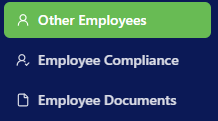
After activating the module, you can create further employees in the Other employees menu item using the Add entry button. An input form opens, through which you can record the employee's base data and simultaneously assign existing tasks (competencies) and functions to the employee.
Documenting suitability and professional competence
Here too, as with train drivers, you have the option of documenting the suitability check and the general professional competence check.
Assigning tasks and functions
In the Tasks and Functions sections, tasks and functions created in the system (under Administration -> Tasks / Functions) can be assigned to the employee and stored with the corresponding acquisition and audit dates. Use the button