Export and Train Driver Transfer
Data export
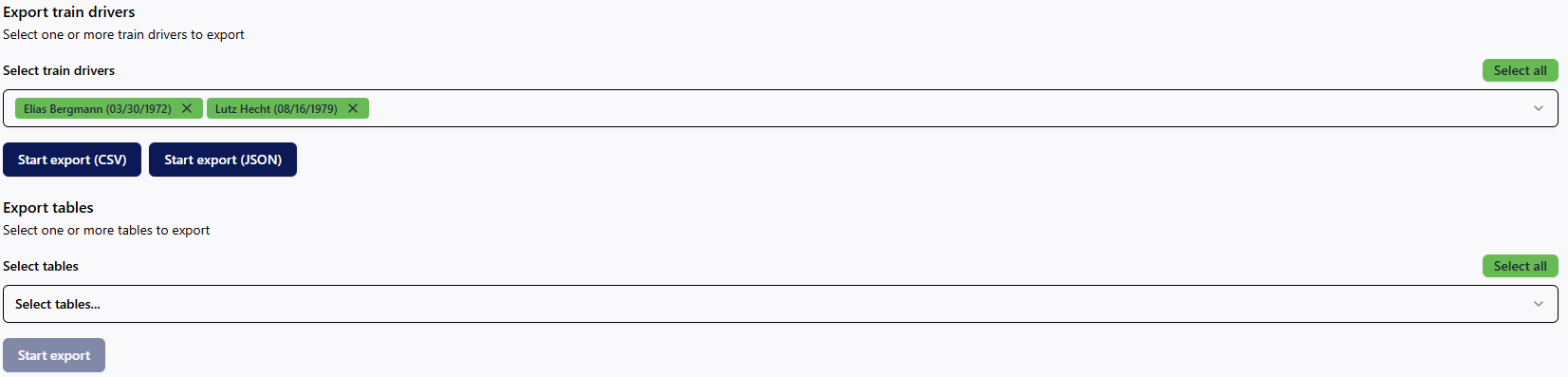
The data export is carried out via the Export menu item. Various export options are available here. Data for individual train drivers, an issuing organisational unit, and complete tables can be exported. After selecting the desired element, start the data export and the automatic download of the resulting file by clicking on Start export.
When exporting train driver data, you also have the option of selecting the desired file format (.csv, .json).
Sending train driver data to another RZBneo instance
To directly transfer train driver data, use the bottom export option. This allows train driver data from your register to be transferred to licensees who also use RZBneo®. To do this, select the train driver(s) to be transferred and enter the URL of the receiving RZBneo® instance as well as the receiver's correct transfer PIN. You must obtain the transfer PIN from the recipient.
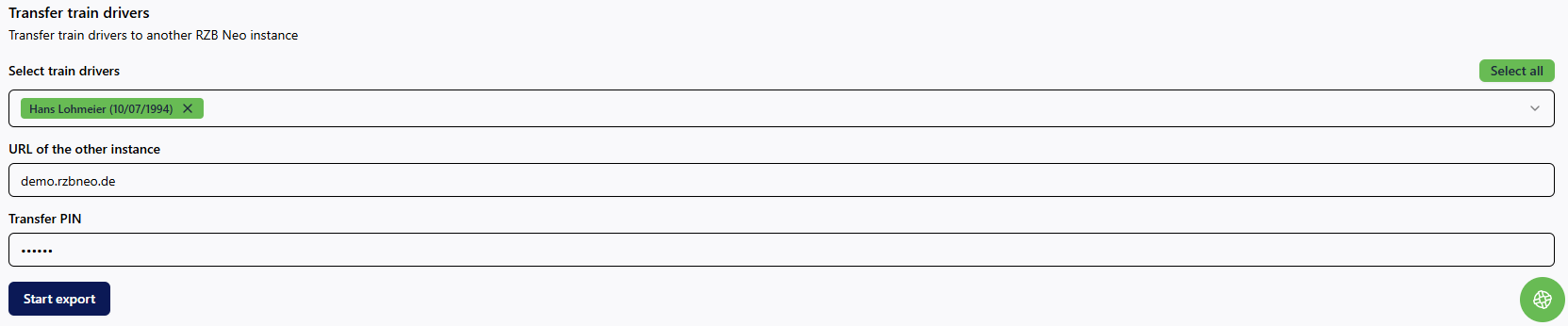
Example of a recipient's URL: https://[EVU-abbreviation].rzbneo.de